
ATEN’s Matrix Manager software provides IT administrators with tools to centralize the control and management of KE6900 / KE6940 devices in their IT environment. It allows easy administration of all
Features
- Centralized CCKM, allowing you to configure, administer, control, and maintain all KVM over IP extenders via an intuitive web based GUI
- ATEN Matrix Link – allows customers with licenses to remotely manage KVM over IP extenders on the CCKM with an iPad from anywhere
- One-to-one, one-to-many, many-to-one and many-to-many Tx / Rx connections
- Profiles save and reserve unlimited Tx to Rx device connections
- Channel connections allow Rx devices to connect to multiple Tx devices – to stream video, audio, USB and serial sources independently
- Configurable user and group permissions for access and control of KVM over IP extenders
- Administrators can set access modes on Tx devices for collaboration or to avoid interference among users
- Primary-Secondary Infrastructure – offers centralized management failover with up to 5 secondary servers, for redundancy, and real-time database synchronization
- Administrators can easily view KVM over IP extenders status and the latest system events in the GUI dashboard
- Connection Redundancy – automatically connects to another transmitter (Tx) after disconnection with the original Tx, ensuring constant access to servers
- Authentication Lock – allows automatic logins upon system resume after temporary power down or network disconnection
- Exceptional Video Wall Scalability – able to create multiple video wall layouts with up to 144 video displays (12 x 12)
- Advanced Scheduling – improves efficiency and saves costs by allowing media playback to be set based on time and date
- Video grouping of up to 4 sets of KVM over IP extenders to support Multi-Display applications
- Fast switching feature for switching transmitter/receiver connections in under a second
- SNMP Agent / SNMP Trap – automatically sends out SNMP Trap notifications upon specified events, and GET/SET specific configurations from the SNMP manager according to predefined OIDs within the stored MIB file
- Browser-based GUI offers a multi-language interface to minimize user training time and increase productivity
- Multi-browser support: Internet Explorer, Chrome, Firefox, Safari, and Opera
- Filter and export function for system event logs
- Email notification of specified system event logs
- Multi-platform installation support: Windows, Linux
- Multi-platform client support: Windows, Mac, Linux, and Sun
- User account authentication and management
- CCKM supports both internal and external authentication – external authentication supports LDAP, Active Directory, RADIUS and TACACS+
- Data transmission is secured by AES encryption
Specifications
- Authentication & Authorization
- User account authentication and management (Administrator, super user, and user) CCKM supports both internal and external authentication – external authentication supports LDAP, Active Directory, RADIUS and TACACS+
- Security
- Data transmission is secured by AES-128 or AES-256 encryption.
- Network Protocol & IP Tools
- IPv4, SSH, and Telnet.
- Notification
- SMTP. SNMP (v1, v3). Syslog. System message.
- Task scheduling
- CCKM database and configuration backup/restore (encryptable). Device firmware upgrade. Export logs by day, period (.csv). Export device logs by severity (.csv). Export Device List (.csv).
- Logs
- System logs. Device logs. Serial console server logs. SNMP traps. SNMP agent.
- Server Redundancy
- Primary/secondary architecture. 1 primary with a maximum of 5 secondary servers.
- Supported OS
- Windows: 7, 8.1, 10, 11, server 2008, server 2012, server 2016, server 2019, Linux: Ubuntu 16.04, CentOS 7, MacOS 10.8 or higher, and Sun. *Both Windows and Linux only support JAVA Runtime Environment (JRE) or OpenJDK up to version 8.
- Supported Browsers
- Internet Explorer (10 or later), Chrome (70 or later), Firefox (62 or later), Safari, and Opera.
- Multilingual Support
- English, 繁體中文, 简体中文, 日本語, 한국어, Française, Español, Português, Deutsch, Pусский.
- Others
- System Status Dashboard TX/RX Connections Dashboard Scheduled Profile Dashboard Online User/Account Management Instant link TX/RX Preview Image Video Walls Setting TX/RX groups Setting
License
- License Options
- CCKM USB License Key (Unlimited number of nodes) CCKM Virtual License (Unlimited number of nodes) *Each CCKM server requires a separate license to activate, including primary and secondary servers.
- Basic (free)
- Up to 8 nodes. *Basic (free) license supports primary/secondary architecture.
- Minimum Hardware Requirements
- CPU: Pentium 4, 2.60 GHz or higher Memory: 8 GB Hard drive: 500 MB or more free space Ethernet: Giga LAN
- Package Contents
- 1x CCKM USB License Key (inapplicable to Virtual License) 1x User Instructions
Physical Properties
- Housing
- Metal & Plastic
- Weight
- 0.01 kg ( 0.02 lb )
- Dimensions (L x W x H)
- 8.36 x 2.78 x 1.39 cm (3.29 x 1.09 x 0.55 in.)
Environmental
- Operating Temperature
- 0 - 40°C
- Storage Temperature
- -20 - 60°C
- Humidity
- 0–80% RH, Non-condensing
- Note
- For some of rack mount products, please note that the standard physical dimensions of WxDxH are expressed using a LxWxH format.
Firmware
Similar products
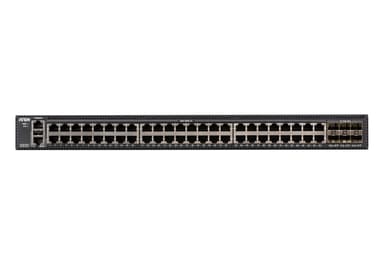
ES0154
54-Port Layer 2+ Gigabit Ethernet Managed Switch
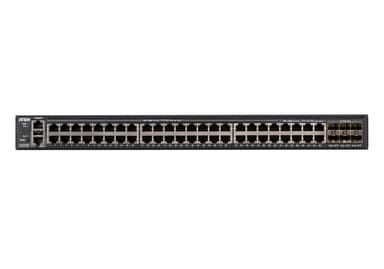
ES0154P
54-Port Layer 2+ Gigabit Ethernet Managed Switch with PoE
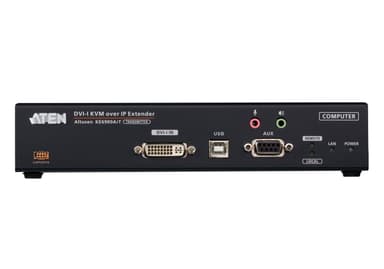
KE6900AIT
DVI-I Single Display KVM over IP Transmitter with Internet Access
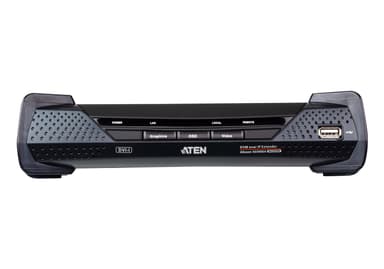
KE6900AR
DVI-I Single Display KVM over IP Receiver
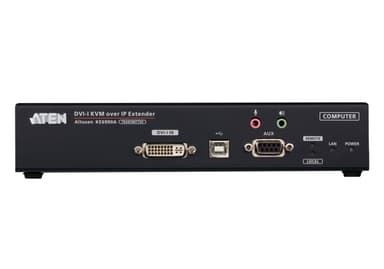
KE6900AT
DVI-I Single Display KVM over IP Transmitter
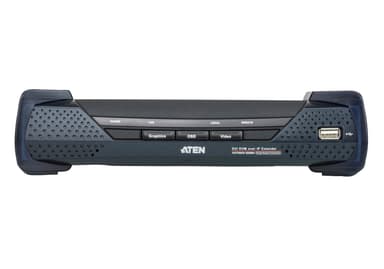
KE6900R
USB DVI-I Single Display KVM Over IP Receiver
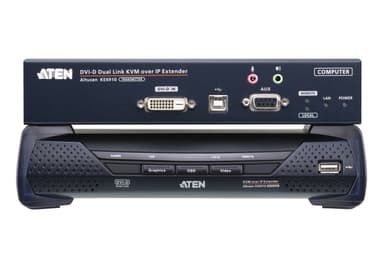
KE6910
2K DVI-D Dual Link KVM over IP Extender
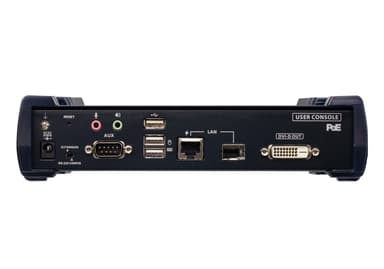
KE6912R
2K DVI-D Dual Link KVM over IP Receiver with PoE
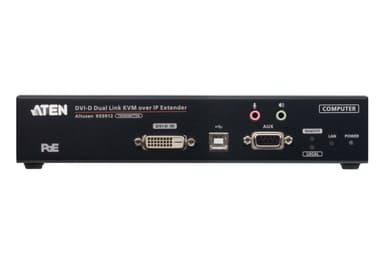
KE6912T
2K DVI-D Dual Link KVM over IP Transmitter with PoE
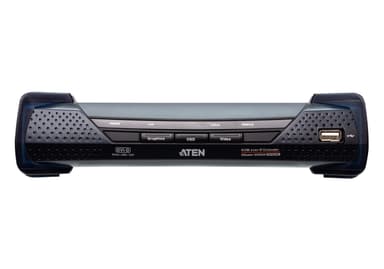
KE6920R
2K DVI-D Dual-Link KVM over IP Receiver with Dual SFP
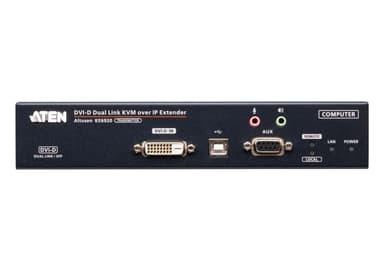
KE6920T
2K DVI-D Dual-Link KVM over IP Transmitter with Dual SFP
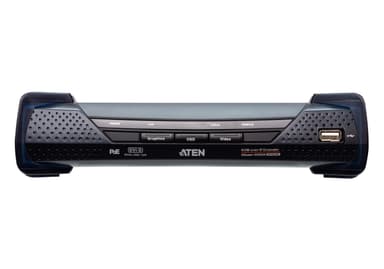
KE6922R