
4-Port USB 3.0 4K DisplayPort MST KVMP™ Switch (Cables included)
CS1924M
KVM превключвател за 4 компютъра с DisplayPort и вграден MST hub, който извежда два дисплея (DisplayPort и HDMI) от един DisplayPort източник. USB 3.1 Gen 1 hub с 5 Gbps за две периферии.
Характеристики
- One USB keyboard/mouse and DisplayPort or HDMI monitor control 4 computers and 2 USB peripherals
- Built-in Multi-Stream Transport (MST) hub allows dual displays (DisplayPort / HDMI) from a single DisplayPort source1
- Supports MST Mode, Splitter Mode, and Single Port Mode.
- 2-port USB 3.1 Gen 1 hub with SuperSpeed 5 Gbps data transfer speeds
- DisplayPort Dual-Mode (DP++) technology supports HDMI and DVI signals via a DisplayPort-to-HDMI/DVI DP++ adapter2
- Firmware upgradeable
- Hot pluggable – add or remove computers without powering down the switch
- Superior video quality – 4K UHD (3840 x 2160 @ 60 Hz) and 4K DCI (4096 x 2160 @ 60 Hz)
- DisplayPort 1.2 compliant, HDCP 1.3 compliant3
- Supports HD audio through DisplayPort4
- Full bass response for high-quality 2.1 channel surround sound systems
- Computer selection via front panel pushbuttons, hotkeys, mouse5, and RS-232 commands
- Independent switching of KVM, USB hub, and Audio focus
- Power On Detection – if a computer is powered off, the CS1924M automatically switches to the next powered-on computer
- Auto Scan Mode for monitoring all computers
- Keyboard emulation/bypass feature supports most gaming keyboards
- Mouse emulation/bypass feature supports most mouse drivers and multifunction mice
- Multi-platform support – Windows, Mac and Linux
- Multilingual keyboard mapping supports English, Japanese, French and German keyboards Note: 1. MST (Multi-Stream Transport) requires either monitors that are capable of DisplayPort 1.2 daisy-chaining, or use of a powered DisplayPort MST Hub. A DisplayPort v1.1a display can be the last display in a DisplayPort v1.2 chain. The PC source must be DisplayPort 1.2 compliant 2. DisplayPort Dual-Mode technology (DP++) does not require an active adapter for most single display setups. Active DisplayPort adapters are recommended if you are unsure of the video source's DP++ compatibility. 3. For DisplayPort 1.4 compliant display device, make sure to configure the device setting to be compatible with DisplayPort 1.2 to avoid compatibility issue. 4. HD audio through DisplayPort cannot be switched independently. 5. Mouse port switching is only supported under mouse emulation mode with a USB 3-button mouse wheel.
Спецификация
- Връзки към компютри
- 4
- Избор на порт
- Hotkey, Pushbutton, Mouse, RS-232 Commands
Конектори
- Конзолни портове
- 2 x USB Type A Female 1 x DisplayPort Female (Black) 1 x HDMI Female (Black) 2 x 3.5mm Audio Jack Female (Green; 1 x front, 1 x rear) 2 x 3.5mm Audio Jack Female (Pink; 1 x front, 1 x rear) 1 x RJ-11 Female
- KVM портове (компютри)
- 4 x USB3.1 Gen1 Type B Female (Blue) 4 x DisplayPort Female (Black) 4 x 3.5mm Audio Jack Female (Green) 4 x 3.5mm Audio Jack Female (Pink)
- Захранване
- 1 x DC Jack
- USB хъб
- 2 x USB3.1 Gen1 Type A Female (Blue; 1 x front panel; 1 x rear panel)
Бутони и превключватели
- Избран
- 4 x Pushbutton
Индикатори
- Онлайн / избран
- 4 (Orange)
- USB връзка
- 4 (Green)
Емулация
- Клавиатура / мишка
- USB
- Видео
- Up to 4096 x 2160 @ 60Hz, 2560 x 1440 @ 144Hz
- Интервал на сканиране
- 1-99 seconds (Default: 5 seconds)
- Консумация
- DC5V:4.89W:66BTU/h Note: ● The measurement in Watts indicates the typical power consumption of the device with no external loading. ● The measurement in BTU/h indicates the power consumption of the device when it is fully loaded.
Работна среда
- Работна температура
- 0-50°C
- Температура на съхранение
- -20-60°C
- Влажност
- 0-80% RH, Non-condensing
Физически характеристики
- Корпус
- Metal, Plastic
- Тегло
- 0.92 kg ( 2.03 lb )
- Размери (Д x Ш x В)
- 27.00 x 8.80 x 5.55 cm (10.63 x 3.46 x 2.19 in.)
- Забележка
- For some of rack mount products, please note that the standard physical dimensions of WxDxH are expressed using a LxWxH format.
Фърмуер
Подобни продукти
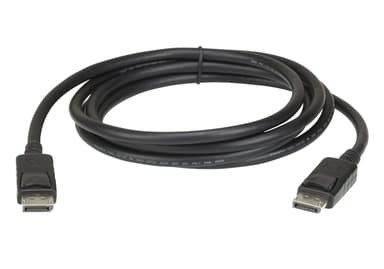
2L-7D02DP
2 m DisplayPort rev.1.4 Cable
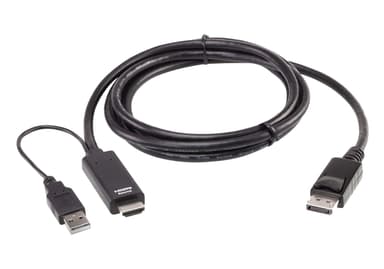
2L-7D02HDP
True 4K 1.8M HDMI to DisplayPort Cable
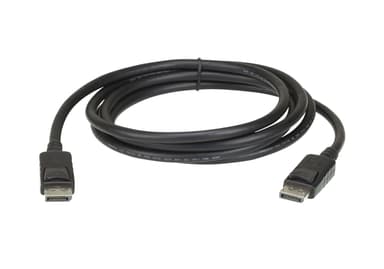
2L-7D03DP
3 m DisplayPort rev.1.2 Cable
2L-7D03DP-1
3 m DisplayPort rev.1.4 Cable
2L-7D04DP
4.6 m DisplayPort rev.1.2 Cable
VB905
True 4K DisplayPort Booster
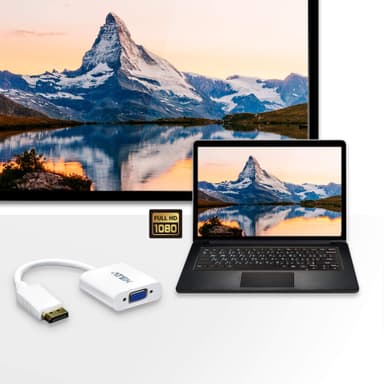
VC925
DisplayPort to VGA Adapter
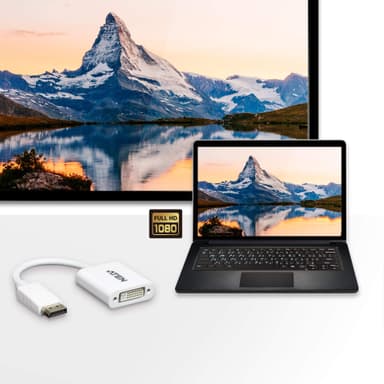
VC965
DisplayPort to DVI Adapter
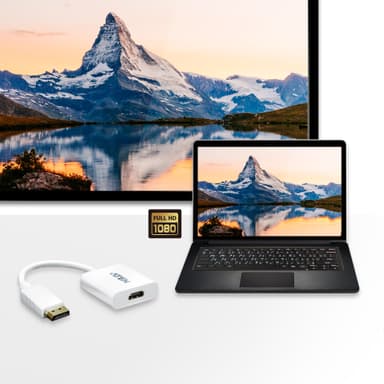
VC985
DisplayPort to HDMI Adapter
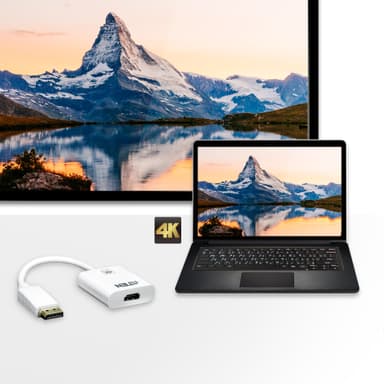
VC986
4K DisplayPort to HDMI Active Adapter
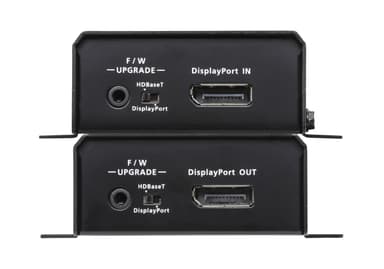
VE901
DisplayPort HDBaseT-Lite Extender (4K@40m; 1080p@70m) (HDBaseT Class B)
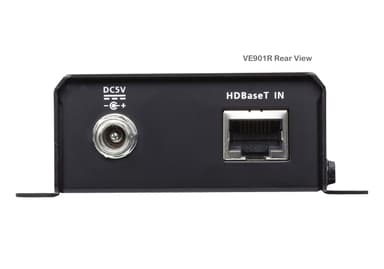
VE901R